


Release Notes – November 13, 2025 (ver.2.0.81.0)
Enhanced Admin page
Enhanced dejiren AI Client
Enhanced Admin page
| Type | Description |
|---|---|
| Added features | [Beta] Added a settings screen for connecting to the MCP server. *Available only to customers with a dejiren AI subscription |
| Added features | [Beta] Released a block to import CSV |
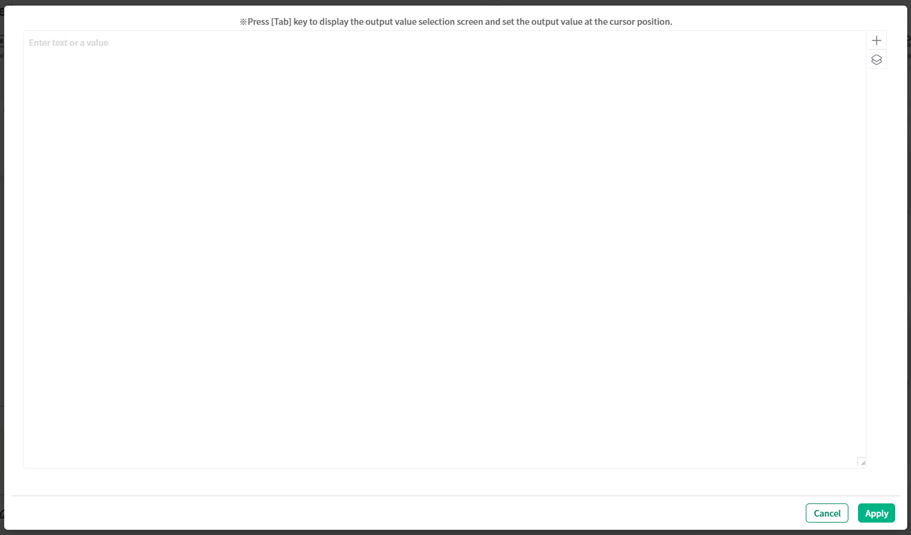
| Added features | Added a function to expand the display frame of the text input field on the procedure block editing screen. |
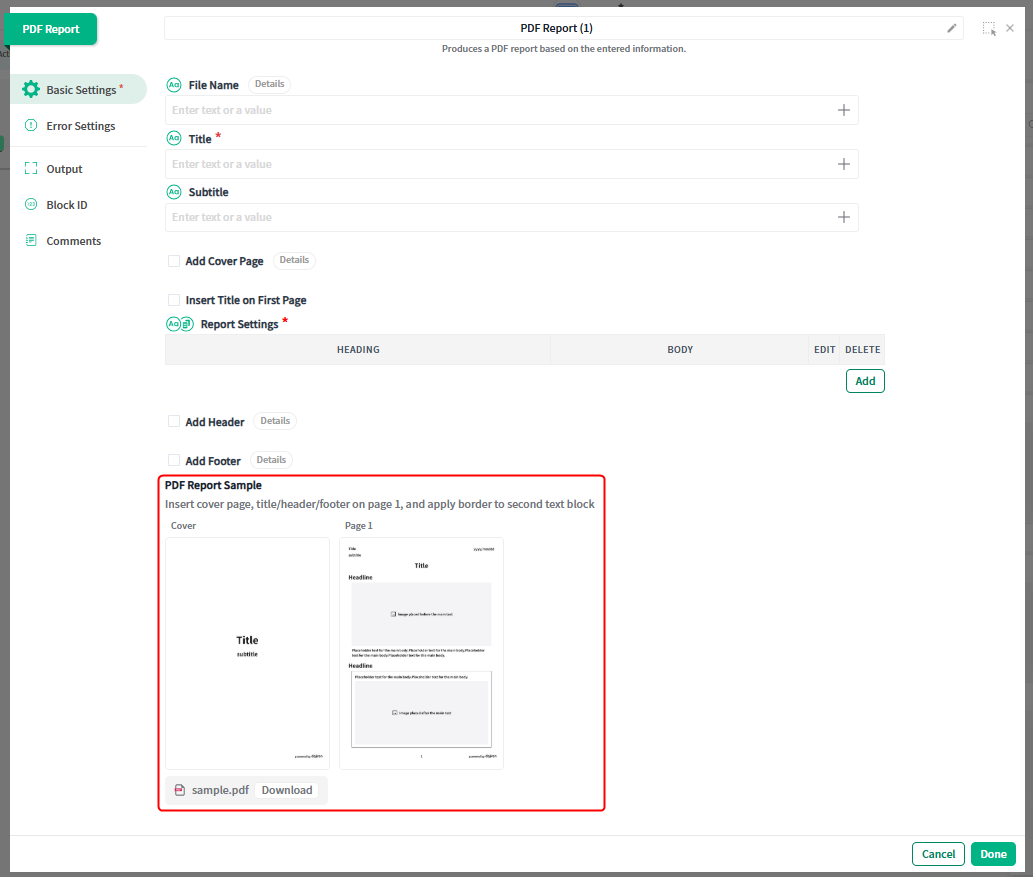
| Added features | A sample file can now be downloaded from the PDF report block settings screen. |
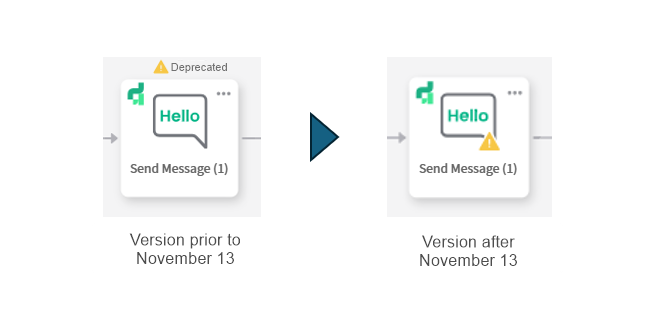
| Added features | Changed how deprecated procedure blocks are displayed on the procedure editing screen. |
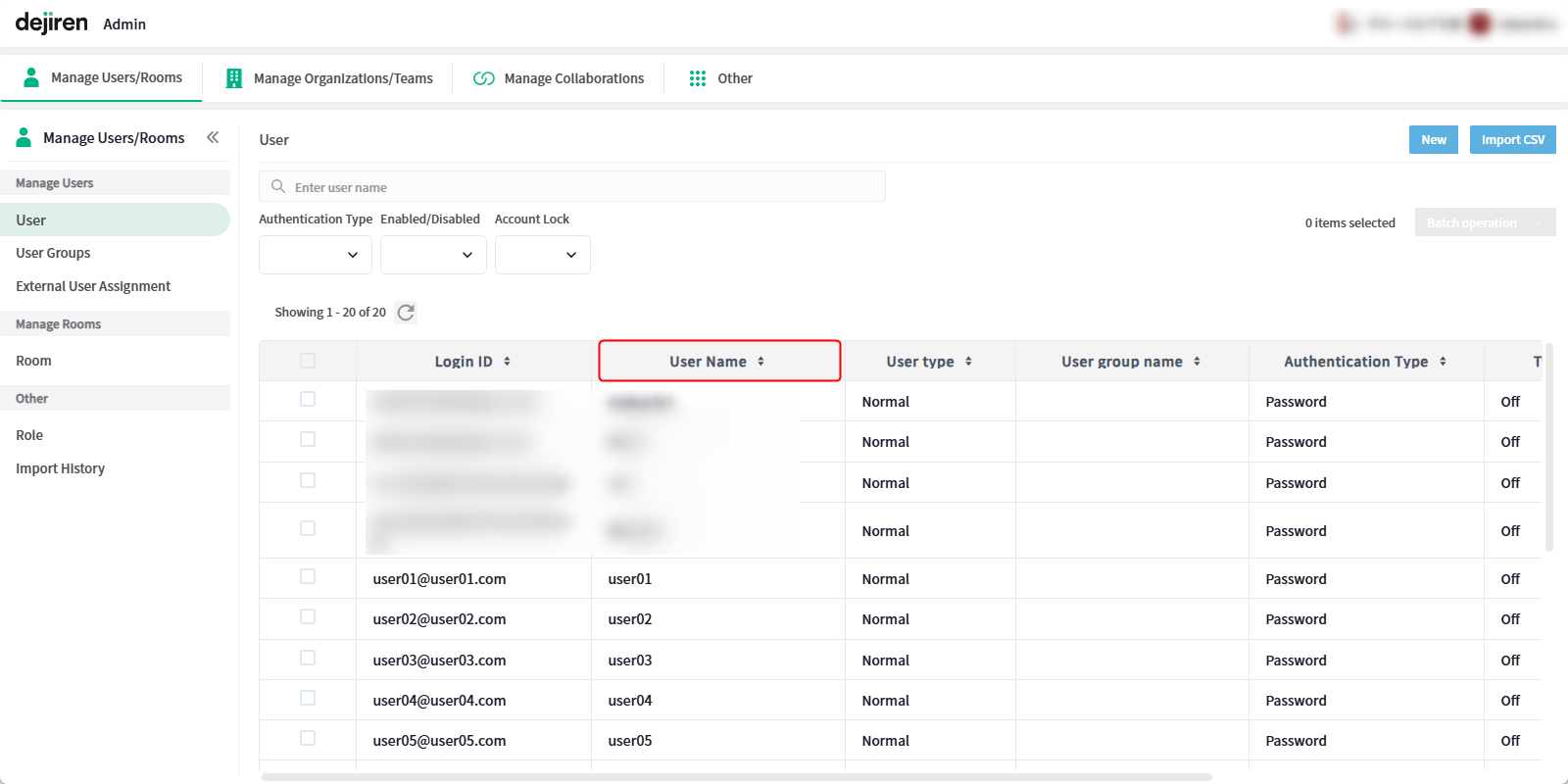
| Added features | You can now change the column width and remember the sort order on the user list screen. |
[Beta] Added a settings screen for connecting to the MCP server.
*Available only to customers with a dejiren AI contract.
The MCP server settings screen will not be displayed to dejiren AI Light (formerly known as Standard) customers.
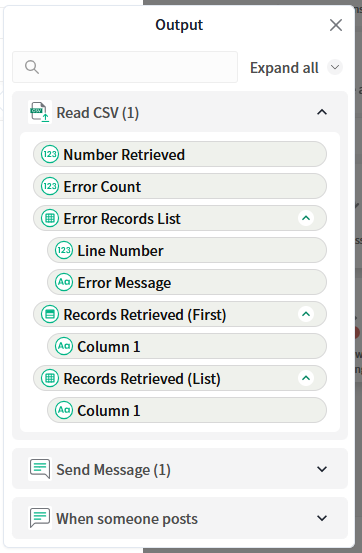
[Beta] Released a block to import CSV
You can now read the contents of a CSV file and use that data in subsequent blocks.
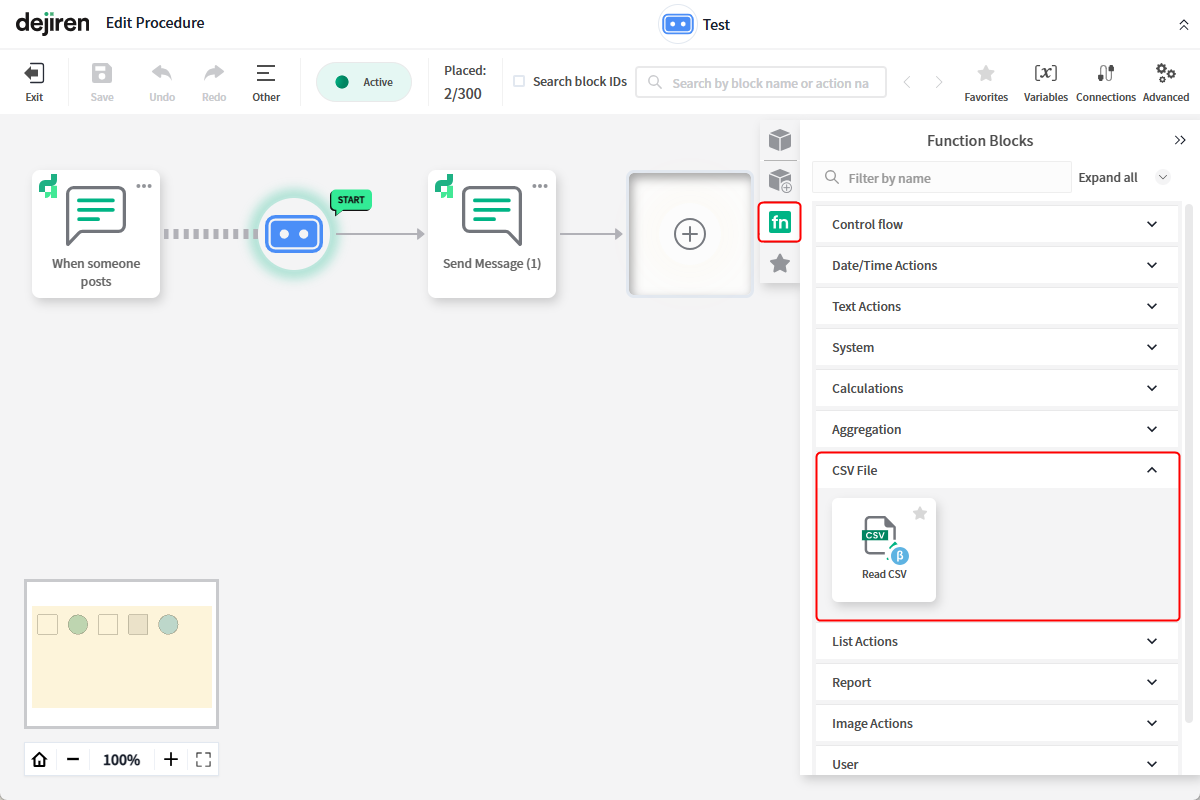
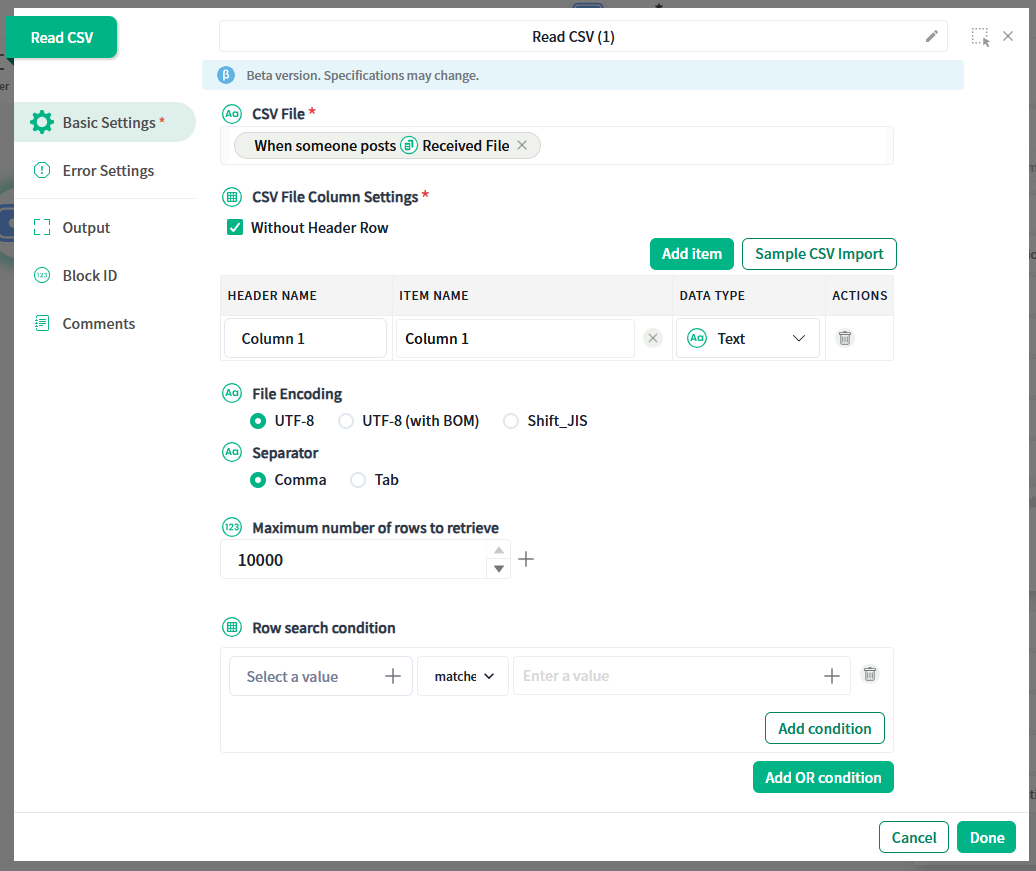
*In the beta version released this time, only the “string” data type can be used.
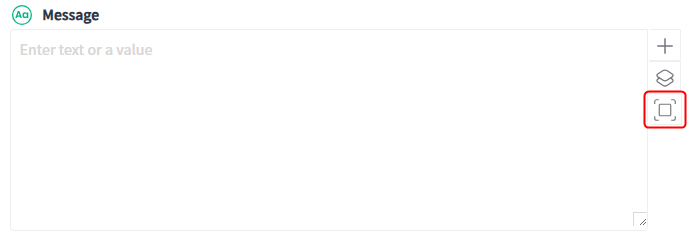
Added a function to expand the display frame of the text input field on the procedure block editing screen.
Clicking the icon displayed to the right of the text area, such as the “Message” field of each step block, will expand the input field.
This reduces the need to scroll when entering or checking long text.
The PDF report block settings screen has been changed.
When creating a PDF report, you can now download a sample file that explains which parts of the report the settings you make for each item will affect.
Changed how deprecated procedure blocks are displayed on the procedure editing screen.
Changed the warning display when deprecated blocks are placed in VA procedures.
You can now change the column width and remember the sort order on the user list screen.
You can now change the column width by dragging the cursor over the boundary between adjacent columns.
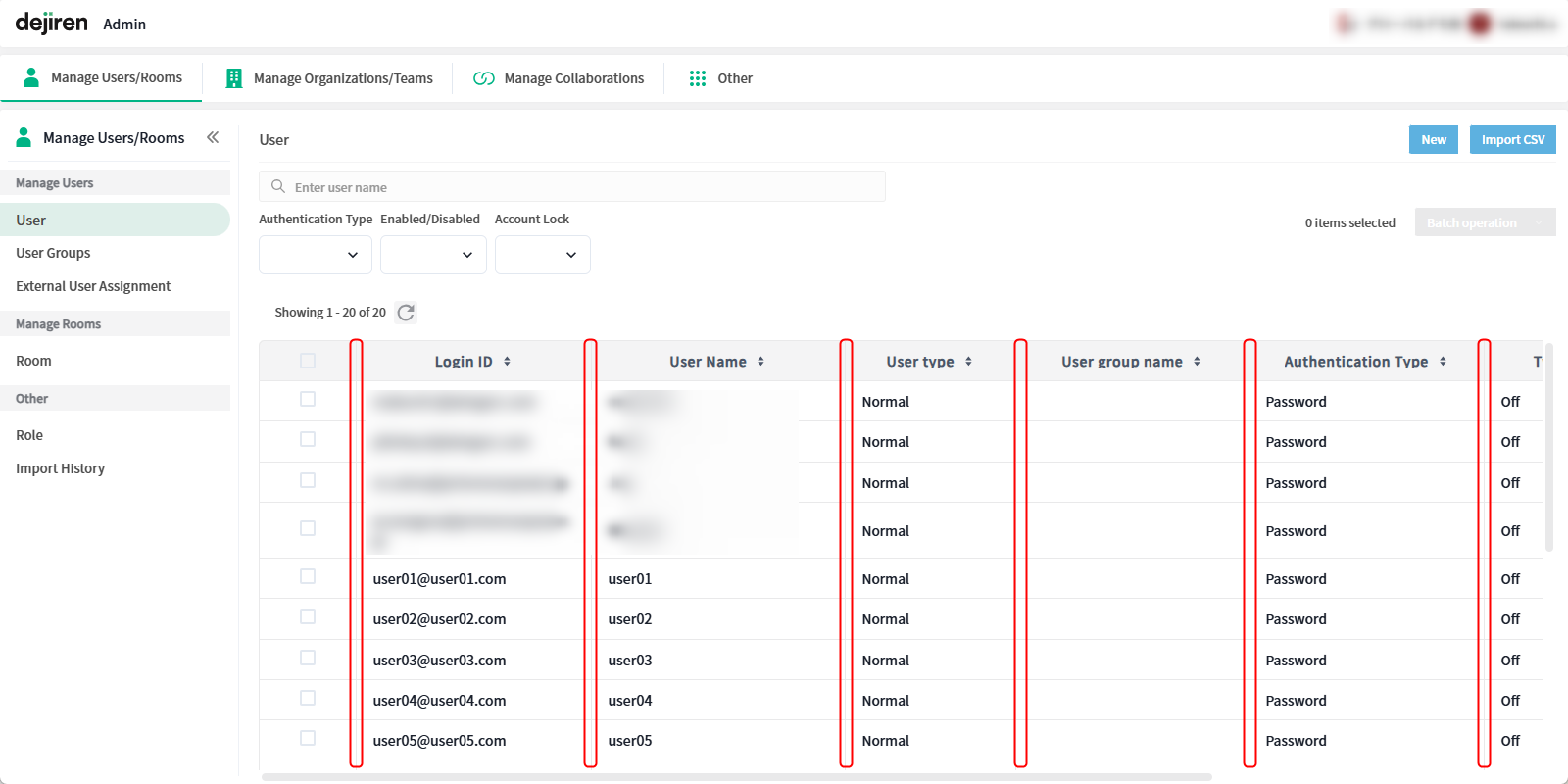
When you set the display order (ascending/descending) based on a specific column, the set display format will now be retained even after you move to another screen (filtering conditions will not be remembered).
Enhanced dejiren AI Client
| Type | Description | Web | Desktop App | Smartphone App |
|---|---|---|---|---|
| Version | 2.0.331 | 2.0.408 | ||
| Added features | Added a function to the preview screen of attached images | ✔ | ✔ | ✔ |
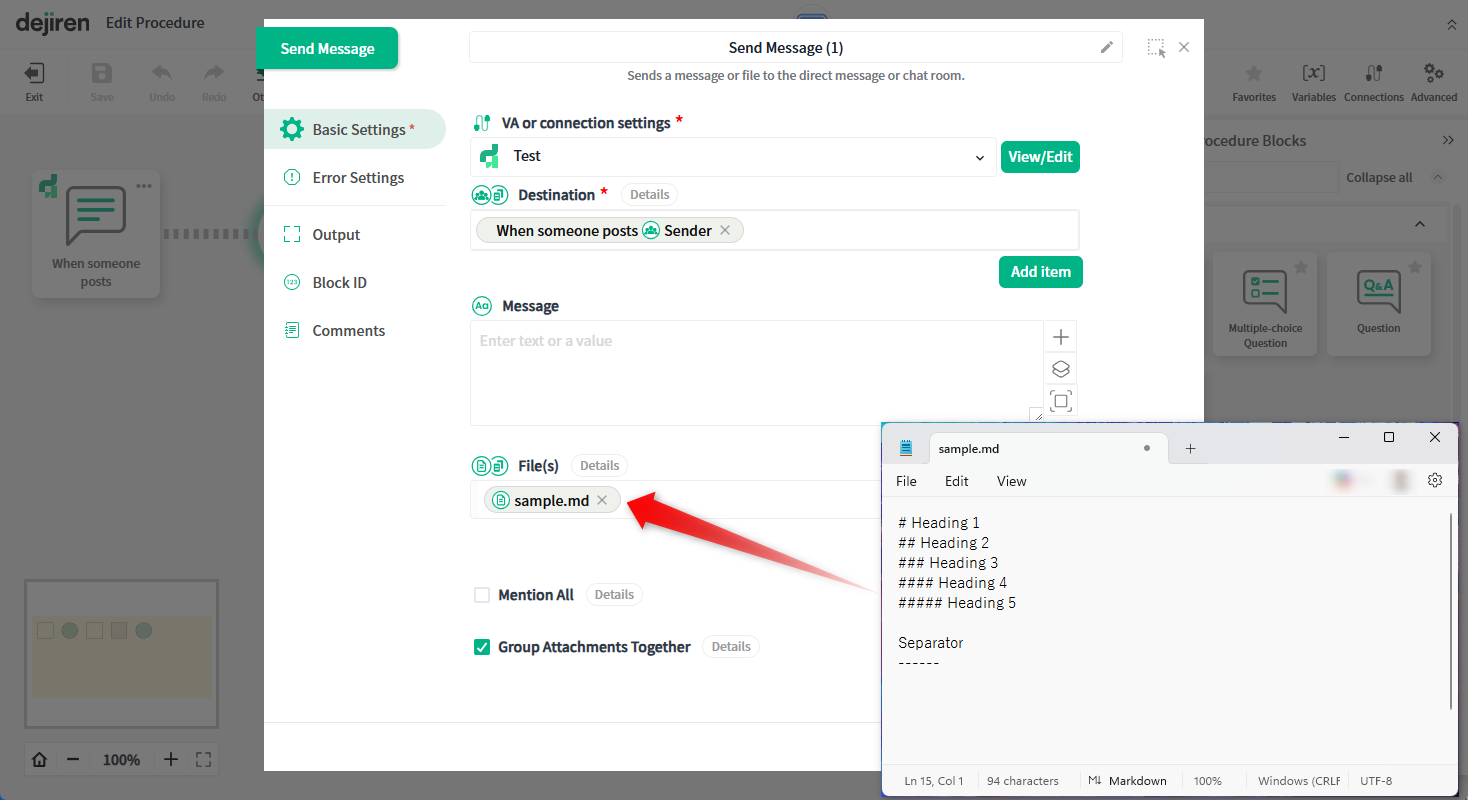
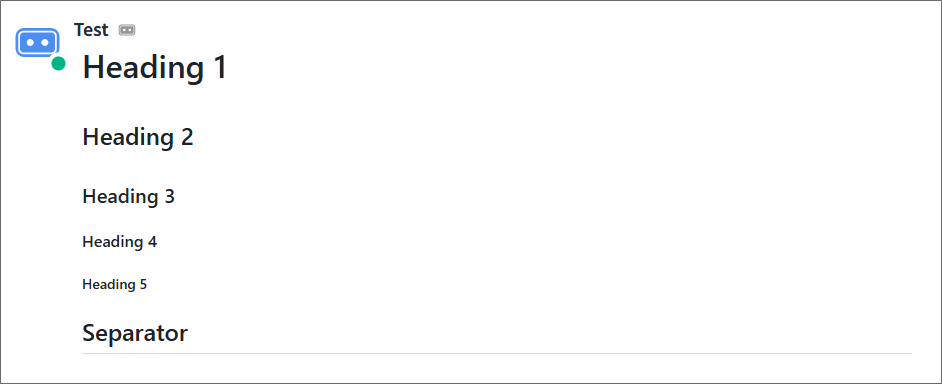
| Added features | Released markdown file preview feature | ✔ | ✔ | ✔ |
Added a function to the preview screen of attached images
Added a “Copy Image” button to the menu in the lower-right corner of the preview screen
when previewing images in the dejiren AI client.
Additionally, changed the method for zooming in and out on displayed images to a slider type.
Released markdown file preview feature
Enabled the VA to read Markdown files sent as attachments and
display them as rich text on the dejiren AI client screen.
(*This does not apply to messages posted by users.)
In addition, bug fixes and other operational improvements have been implemented.